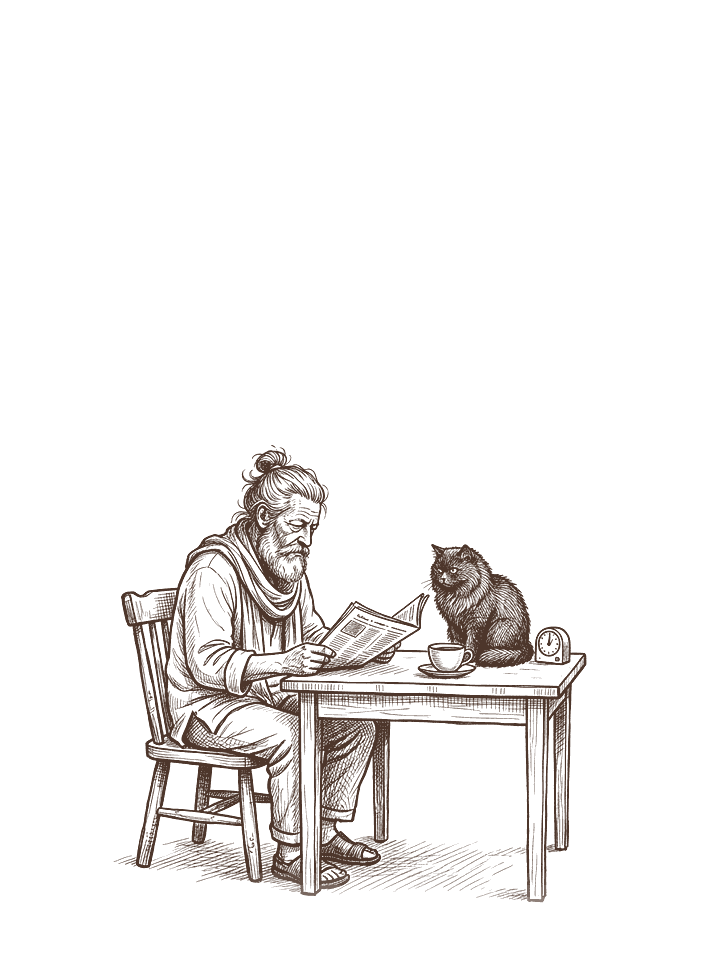
Before opening the news, name what you came to learn. A developing story, a local decision and a topic you enjoy following can each need a different source and stopping point. Making that choice first gives the visit a shape before reactions and unrelated headlines take over.
Build the plan around the information you need and the reading you want to do. There is no universal daily allowance here. Choose a format and stopping point, try them in your actual day, and change what proves inconvenient.
Name the job this check is doing
Separate three ordinary reasons for reading:
- Getting an overview of the day’s events
- Following a specific story you care about
- Finding information that affects something you need to do
These call for different stopping points. An overview might end after a chosen bulletin. A particular story might need one substantial update. A practical question might end when you find the official date, location or instruction you need.
Choose wording that lets you recognise an answer. “Has the council published the meeting agenda?” has an endpoint; “What is everyone saying about the council?” invites open-ended browsing. Both are possible choices, but they call for different plans.
Give each question a starting source
Save a small set of useful starting pages. That could include a general news outlet, a local reporting source and the official service page relevant to a current practical question. You do not need every topic on every visit.
For a reported claim, look for the underlying statement, document or named source when it is available. An official announcement tells you what that organization has announced; independent reporting may add context or challenge its account. Keep those roles clear rather than assuming one link settles every question.
Check when the item was published and updated, even if someone has just shared it. If the information has not been announced, leave it “not yet known.” Another search cannot turn an absent answer into a confirmed one.
For claims specifically about living longer, our longevity-headline worksheet offers a more detailed source-reading process.
Choose a finish you can recognize
Try a boundary based on the task: one bulletin, one article or the answer to one practical question. You can also choose a time limit, such as 15 minutes, when that is useful. That number is an example of a personal scheduling choice, not a recommended dose of news.
Before opening a suggested story, decide whether it answers this visit’s question. Save it for later or leave it if it does not. A saved link is an option to return to, not another obligation.
Use a stated update to give the next check a purpose: “after tomorrow’s announcement,” for example. Without such a date, choose when you want to return while keeping clear that a refresh may add no information.
Keep urgent information outside the ordinary plan
A limit for general news browsing should not become a reason to ignore an active local warning or information needed for your responsibilities. Keep the relevant official channels available and follow instructions from the responsible authorities.
In the United States, the National Weather Service’s Wireless Emergency Alerts guide describes emergency messages sent by authorized government alerting authorities through mobile carriers. It tells recipients to follow the action advised and seek further information. These alerts serve a different purpose from a news outlet’s optional story notifications. Check the relevant emergency-information arrangements where you live or travel.
Do not assume that muting a news app changes government alerts, or that a general news feed will reliably supply every urgent local instruction you need.
Adjust only the news alerts you mean to change
Review the controls inside the particular news service you use. Google News Help describes options for notification amount and type, as well as daily-briefing settings. Other services may provide different choices.
Choose which optional alerts still have a job in your plan. You might retain a daily briefing and stop alerts for a topic you no longer follow. Check the current instructions for your app and device. An alert choice does not prevent you opening the app, and a reading plan does not require disabling the rest of your phone.
A completed example
The following is an invented example of an ordinary news-reading plan.
| Question | Alex’s entry |
|---|---|
| What I want today | A general overview and the date of a local council meeting |
| Starting sources | My chosen news bulletin and the council’s official meeting page |
| When I will check | After lunch, with about 15 minutes available |
| Finished means | Bulletin completed; meeting date recorded or marked unconfirmed |
| Unrelated interesting story | Save one feature for the weekend, if I still want it |
| Reason to check sooner | A relevant official warning or an actual change affecting my plans |
| Next ordinary check | Tomorrow’s bulletin |
Write your version and test the fit
- My purpose for this visit: ______
- Source or page I will open first: ______
- What will count as finished: ______
- Information that genuinely needs earlier attention: ______
- What I will do with an unanswered question: ______
- When I intend to check again: ______
After using the plan, compare the visit with its purpose: did you find the answer, and was the stopping point usable? Adjust that arrangement rather than grading a longer session. You can return to the rest of your day or choose an ordinary activity from the screen-free chooser.